
How to choose photos for a book that looks like your child
The Once Books team · 10 August 2026 · 3 min read
The photos you upload are what let a book star your child by name and face. You don’t need a photo shoot, and you don’t need a big pile. You need a few clear ones, and here’s what helps.
What to upload
- Three to five clear, well-lit photos of your child’s face.
- A mix of angles (straight on, and a little to each side) so the face reads in three dimensions, not one.
- Recent photos, so the book looks like your child as they are now.
What to avoid
- Heavy filters, sunglasses, hats pulled low, or anything covering the face.
- Busy backgrounds and group shots where it’s unclear which child is the hero.
- One single photo. A single angle gives the illustrator less to work from, and the likeness suffers.
Those photos become your reference images, the anchor every page is generated against. They’re the one thing worth getting right before you start.
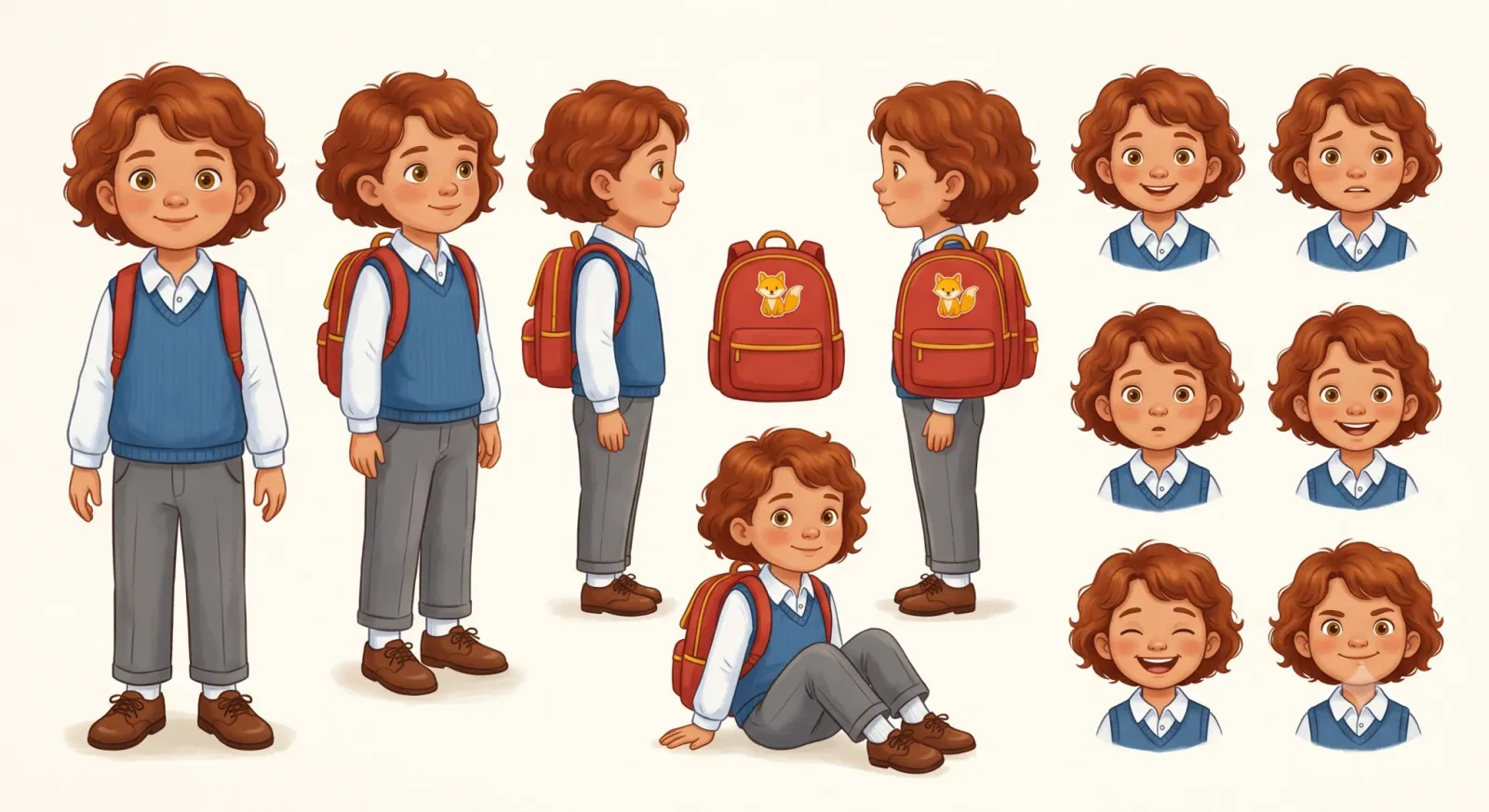
The step-by-step version is in the help centre, and how we handle and delete your photos covers what happens to them afterwards. It’s a two-minute read. Once you’ve picked a few, see how a book comes together.
Questions parents ask
- How many photos do I need?
- Three to five clear, well-lit photos of your child’s face, from a few angles. More isn’t better. A handful of good ones beats a big pile of blurry or filtered shots.
- Can I use just one photo?
- You can, but the likeness suffers. A single angle gives the illustrator less to work from; a few angles let the face be understood in three dimensions rather than one.
- What kind of photos should I avoid?
- Heavy filters, sunglasses, hats pulled low, busy group shots, and anything covering the face. Recent, clear, face-forward photos work best.
Related reading
How to self-publish a children’s picture book
Self-publishing a picture book, step by step: word count, page count, illustration costs, consistent characters, print-ready files, ISBNs and launch.
Picture books for big changes in a child's life
A guide to picture books for a new sibling, starting school, fear of the dark and more: what each change feels like, and the books that help a child with it.
How to publish a paperback on KDP: the checklist
The ordered checklist for publishing a paperback on Amazon KDP: trim, paper, page count, interior and cover PDFs, metadata, pricing, proof and review.
Keep reading
Answers
One sharply-scoped question per page, cost, safety, timing, printing, answered in a couple of sentences before the detail.
Glossary
Plain definitions of the vocabulary: the Character Sheet, the Consistency Engine, style profiles, drift.
Help centre
Task-shaped instructions for making, printing and sharing a book once you have started one.